How to Unlock a Door or Elevator with the VTS Rise App for Residents
How to Unlock a Door or Elevator with the VTS Rise App for Residents
Using the VTS Rise app is a great way to gain access to your property. In this article, you will learn how to unlock a door or access an elevator using the VTS Rise app.

Requirements: Admins must enable this ability in the Admin Portal. To learn how please see the Door Controller Configuration Guide.
From the Resident App
Step 1
Upon logging into the app, select Access from the landing page.
Step 2
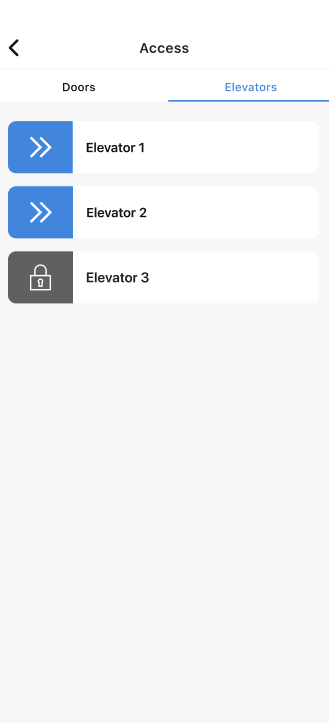
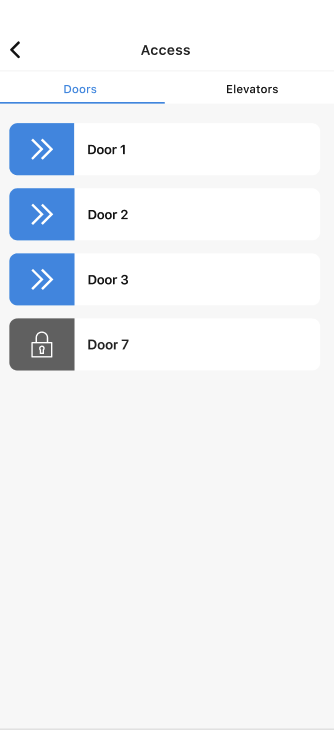
Swipe to unlock the door or elevator you wish to unlock. Doors and elevators live in separate tabs under Access. You can toggle between the two.